Choosing the best Z790 mobo in 2026 is crucial for any gamer looking to maximize their PC's performance and future-proof their setup. This comprehensive guide dives deep into the Z790 chipset, offering practical advice for busy gamers balancing work, family, and their passion for gaming. We will explore essential features like PCIe 5.0, DDR5 support, robust power delivery, and connectivity options that truly matter. Whether you are building a new system or upgrading an existing one, understanding the nuances of Z790 motherboards can save you time, money, and frustration. This article addresses common pain points such as performance bottlenecks, complex setup processes, and budget constraints, providing clear, actionable solutions. Discover how to select a Z790 motherboard that not only meets your current gaming demands but also prepares you for upcoming titles and hardware innovations. This is your go-to resource for making an informed decision about your next high-performance gaming rig, ensuring you get the best value without falling for unnecessary hype. Prepare to level up your gaming experience with the right foundation for your Intel 13th or 14th Gen processor.
Which Z790 motherboard is best for a budget gaming PC?
For budget-conscious gamers, the ASUS Prime Z790-P WiFi or the MSI Pro Z790-A WiFi are excellent choices. They provide essential Z790 features like DDR5 and PCIe 5.0 support, robust power delivery for stable performance, and reliable connectivity without the premium price tag of high-end models. These boards balance cost with performance, making them ideal for gamers who want current-gen tech without overspending.
How much RAM speed does a Z790 motherboard support for gaming?
Z790 motherboards generally support very high DDR5 RAM speeds, often ranging from 6000MHz up to 8000MHz or even higher with proper XMP profiles and compatible memory kits. For optimal gaming performance, aiming for DDR5 RAM in the 6000MHz to 7200MHz range offers the best balance of speed and value, providing a noticeable boost in CPU-intensive games compared to slower memory.
Is a Z790 motherboard compatible with Intel 14th Gen CPUs?
Yes, most Z790 motherboards are fully compatible with Intel's 14th Gen Raptor Lake Refresh CPUs. You may need to update the motherboard's BIOS to the latest version to ensure full compatibility and optimal performance. This is a common practice for new CPU generations on existing chipsets, and most Z790 boards offer features like BIOS FlashBack for easy updates without a CPU installed.
What's the difference between Z790 and B760 motherboards for gaming?
The main difference lies in overclocking capabilities and connectivity. Z790 motherboards allow for CPU overclocking (with K-series CPUs) and memory overclocking, and often feature more PCIe lanes, USB ports, and robust power delivery. B760 boards do not support CPU overclocking, have fewer PCIe lanes, and generally simpler VRMs, making them more budget-friendly. For serious gamers wanting maximum performance and tweakability, Z790 is the superior choice.
Do Z790 motherboards support Wi-Fi 7?
Many newer, higher-end Z790 motherboards, especially those released in late 2023 and 2024, now come with integrated Wi-Fi 7 (802.11be) support. This provides the latest and fastest wireless connectivity for gaming, streaming, and large file transfers. Mid-range Z790 boards typically feature Wi-Fi 6E, which is still incredibly fast. Always check the specific model's specifications if Wi-Fi 7 is a must-have for your build.
When should I consider upgrading to a Z790 motherboard?
You should consider upgrading to a Z790 motherboard if you are planning to use an Intel 13th or 14th Gen K-series processor and want to unlock its full potential through overclocking, or if you need the latest features like PCIe 5.0 for your GPU and NVMe SSDs, and high-speed DDR5 RAM. It is a worthwhile upgrade for gamers seeking maximum performance, future-proofing, and access to cutting-edge connectivity options for their PC build in 2026.
What are the common Z790 motherboard troubleshooting tips for new builders?
For new Z790 builders, common troubleshooting tips include ensuring all power cables are securely connected, especially the 24-pin ATX and 8-pin CPU power. Double-check RAM seating and try booting with only one stick. Update your BIOS to the latest version, as this often resolves compatibility issues with newer CPUs or RAM. Make sure your GPU is fully seated and connected to power. If issues persist, clear CMOS by removing the battery or using the jumper, and consult your motherboard manual for Q-LED error codes to pinpoint specific problems.
Hey fellow gamers! Ever feel like you are juggling a million things at once: work, family, social life, and then you just want to sit down and unwind with your favorite game, only to hit a performance snag or realize your rig is falling behind? You are not alone. Many of us, with an average age around 36, are balancing serious life responsibilities with a passion for gaming. We value those moments of relaxation, skill-building, and social connection with friends online. But finding the right hardware that delivers top performance and great value, without getting caught up in endless tech jargon and hype, can be a real challenge. You want to stay current, enjoy smooth gameplay, and maybe even dabble in streaming, all while making smart financial choices. That is where choosing the right motherboard comes in, and for many, the best Z790 mobo is still a powerhouse in 2026, offering incredible potential for your gaming setup.
You have probably heard about the Z790 chipset. It is the backbone for Intel's 13th and 14th Gen processors, bringing cutting-edge features that are crucial for today's demanding games. But with so many models out there, how do you pick one that truly suits your needs and budget? Nobody wants to spend their hard-earned money on something that is overkill or, worse, underperforms. This guide is designed for you, the busy gamer who wants practical solutions, clear advice, and a breakdown of what really matters in a Z790 motherboard. We will cut through the noise, help you avoid common setup issues, and ensure your next upgrade enhances your gaming life, not complicates it. Let us get your rig running perfectly so you can focus on what matters: the game.
What Exactly is the Z790 Chipset and Why Should Gamers Care in 2026?
The Z790 chipset is Intel's premier platform for their 13th and 14th generation Core processors, specifically designed to unlock their full potential. Think of it as the central nervous system of your PC, connecting every component from your CPU and RAM to your graphics card and storage drives. For gamers in 2026, the Z790 remains highly relevant due to its robust feature set that supports high-end gaming. It offers native support for PCIe 5.0, enabling the fastest GPUs and NVMe SSDs currently available, and often provides excellent DDR5 RAM compatibility, which is becoming the standard for modern gaming. This means faster load times, smoother frame rates, and a more responsive overall system.
Beyond raw speed, Z790 motherboards typically boast superior power delivery systems, known as Voltage Regulator Modules or VRMs. These are vital for stable performance, especially if you plan to overclock your processor to squeeze out every last bit of power. Many Z790 boards also come equipped with advanced cooling solutions for their VRMs and M.2 SSDs, preventing thermal throttling during intense gaming sessions. For those who enjoy social gaming or streaming, you will appreciate the enhanced connectivity options, including faster Wi-Fi standards like Wi-Fi 6E or even Wi-Fi 7, and multiple high-speed USB ports, which are essential for peripherals, external storage, and content creation gear. Given that 87% of US gamers play regularly, often dedicating 10+ hours a week, and social gaming trends are stronger than ever, a solid foundation like the Z790 is key to a frustration-free experience.
How Do I Pick the Best Z790 Mobo Without Breaking the Bank?
Choosing the best Z790 mobo on a budget requires smart prioritization. First, determine your primary use case: pure gaming, gaming plus streaming, or light content creation. While high-end Z790 boards can be pricey, excellent mid-range options deliver 90% of the performance for significantly less. Focus on boards with adequate VRM phases for your chosen CPU (e.g., 12-16 phases are usually sufficient for gaming even with an i7 or i9), rather than chasing extreme phase counts only needed for competitive overclocking records.
Next, consider features that directly impact your experience. Look for boards with at least one PCIe 5.0 M.2 slot if you plan on using the absolute fastest SSDs, but understand that current PCIe 4.0 NVMe drives are still incredibly fast and more affordable. Ensure it has enough M.2 slots for your storage needs and sufficient USB ports for your peripherals. Integrated Wi-Fi 6E or 7 is a big plus for wireless connectivity, especially if you game from a shared space. Do not overspend on excessive RGB lighting or features you will never use. Many gamers find that a solid B-tier Z790 board from a reputable brand like ASUS, MSI, Gigabyte, or ASRock offers exceptional value, providing all the necessary performance and features without the premium price tag of flagship models. Prioritize functionality and stability over purely aesthetic or niche features.
Which Z790 Features Are Essential for a 2026 Gaming Rig?
For a gaming rig in 2026, several Z790 features are non-negotiable if you want a smooth, future-ready experience. The most critical is **PCIe 5.0 support**, especially for the primary GPU slot. While current graphics cards might not fully saturate PCIe 5.0 bandwidth, future generations undoubtedly will. Having this capability ensures your motherboard will not be a bottleneck for your next GPU upgrade. Equally important is **DDR5 RAM support**. DDR5 is the new standard, offering significantly higher speeds and bandwidth compared to DDR4, directly impacting game performance, especially in CPU-intensive titles. Make sure the board supports adequate DDR5 speeds (e.g., 6000MHz and above) and has at least four DIMM slots for memory expansion.
Other essential features include a **robust power delivery system (VRM)** with a good heatsink. This ensures stable power to your CPU, preventing throttling and allowing for potential overclocking. Ample **M.2 NVMe slots** with proper cooling are also crucial for fast game loading and application performance. At least one PCIe 5.0 M.2 slot is ideal for the fastest storage. For connectivity, **2.5GbE LAN** is a must for stable wired internet, and **Wi-Fi 6E or Wi-Fi 7** is highly recommended for wireless convenience and speed, especially with modern internet trends. Finally, plenty of **USB 3.2 Gen 2 ports** (Type-A and Type-C) are necessary for all your gaming peripherals, external drives, and charging needs. These features collectively create a powerful, responsive, and durable gaming foundation.
Can a Z790 Motherboard Really Improve My Gaming Performance?
Absolutely, a well-chosen Z790 motherboard can significantly impact your gaming performance, not always by directly boosting frame rates, but by ensuring your other high-end components perform at their peak. Think of it this way: your CPU, GPU, and RAM are the engine, but the motherboard is the chassis and wiring that ensures everything runs smoothly and efficiently. A Z790 with a strong VRM can deliver clean, stable power to your Intel K-series processor, allowing it to maintain higher clock speeds under load without throttling. This translates to more consistent frame rates and fewer stutters in demanding games.
Furthermore, the Z790's support for high-speed DDR5 RAM means your CPU can access data faster, which is critical for games with large open worlds or complex AI. The inclusion of PCIe 5.0 lanes ensures your graphics card and fastest NVMe SSDs are not bottlenecked by older interfaces, leading to quicker game loading times and asset streaming. This month's data shows many modern games are becoming increasingly storage-intensive, making fast NVMe crucial. Moreover, superior cooling for M.2 drives prevents thermal throttling on your SSDs, keeping load times consistently fast. Ultimately, a good Z790 motherboard provides the stable, high-bandwidth environment necessary for your expensive CPU and GPU to truly shine, enhancing overall system responsiveness and fluidity during your gaming sessions, which is exactly what busy gamers need when every minute counts.
What Are the Top Z790 Motherboards for Different Gamer Needs?
The
Top Z790 mobo choices for 2026 gaming, PCIe 5.0 and DDR5 RAM compatibility, Robust VRM designs for stable power delivery, High-speed connectivity including Wi-Fi 7 and 10GbE, Future-proofing your gaming PC with Z790 chipset, Budget-friendly Z790 options and high-end models, Easy setup and troubleshooting tips for Z790 builds.
35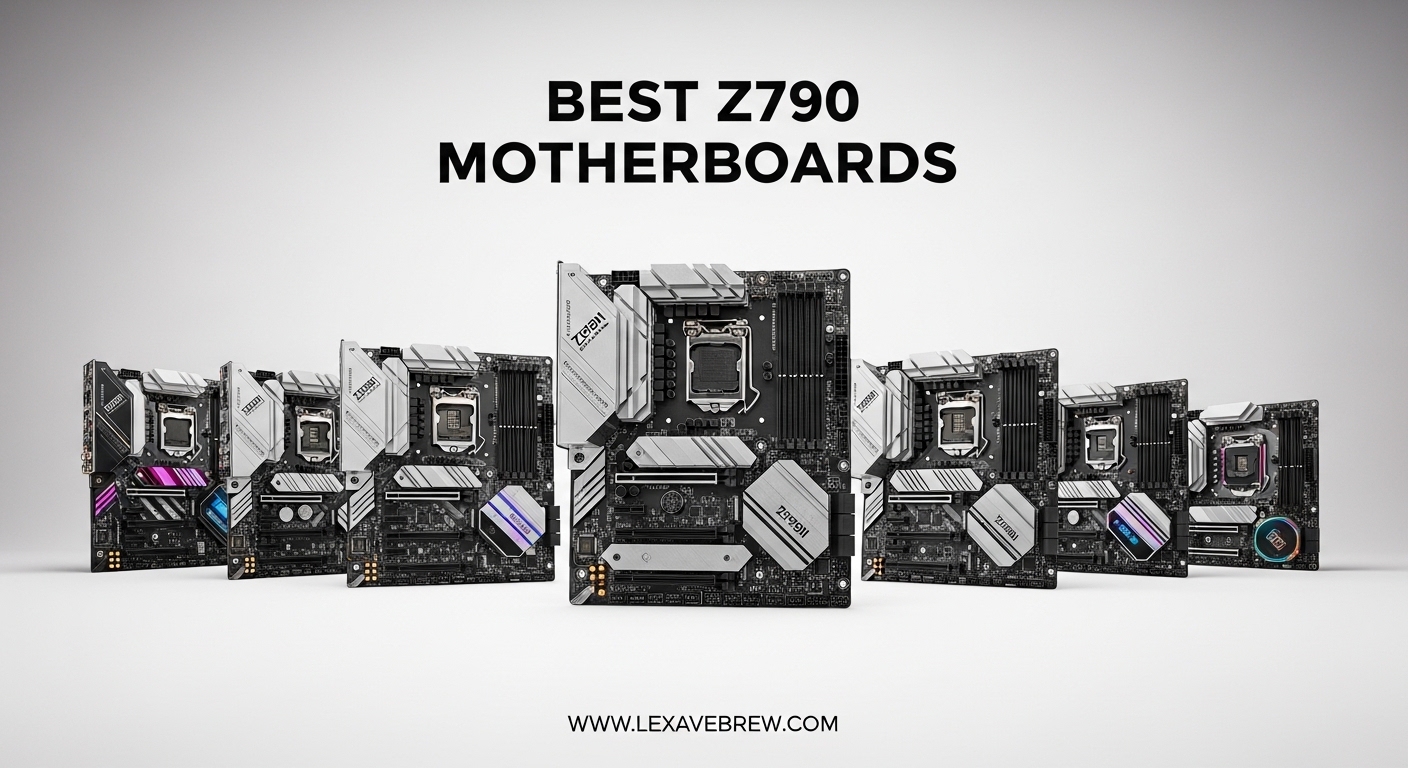
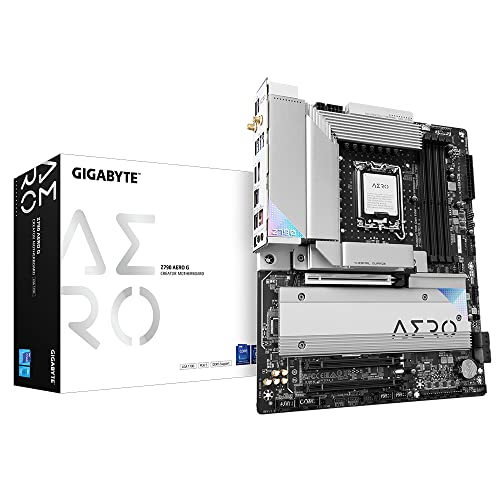
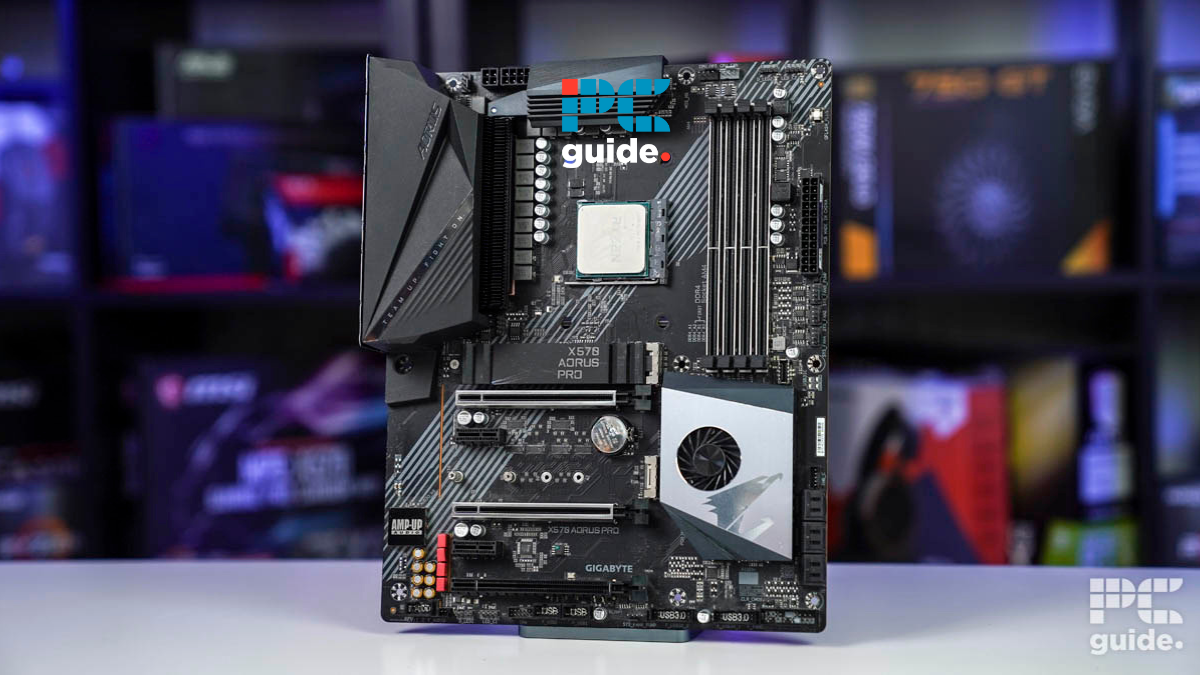
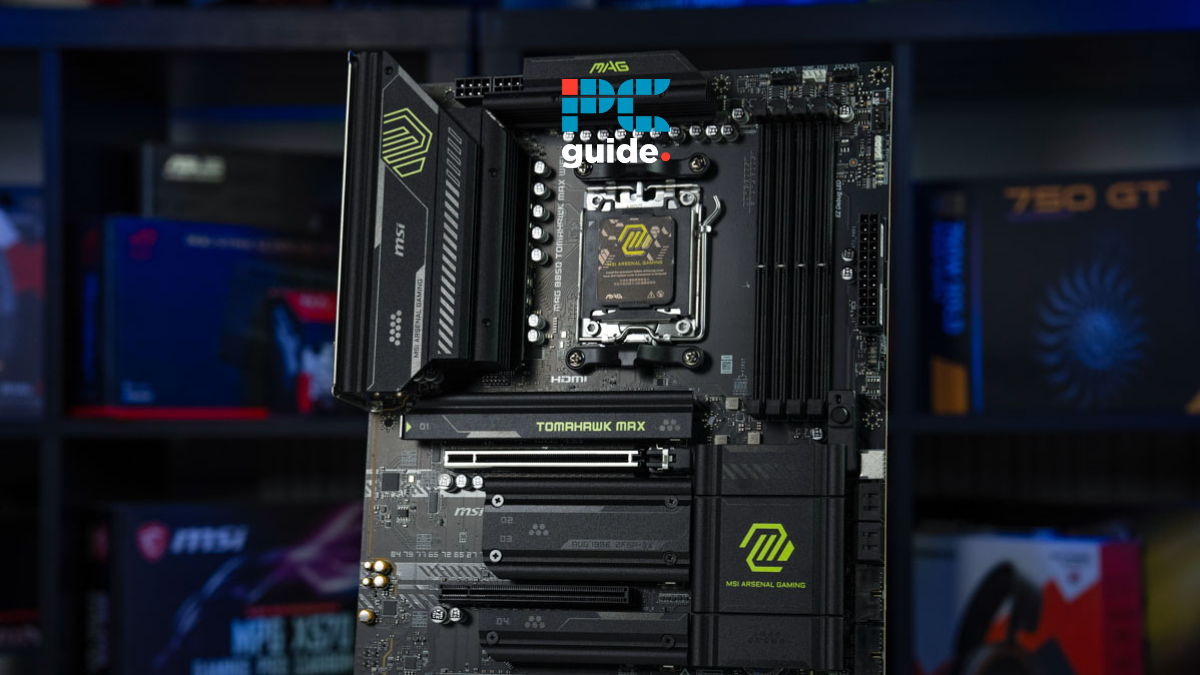
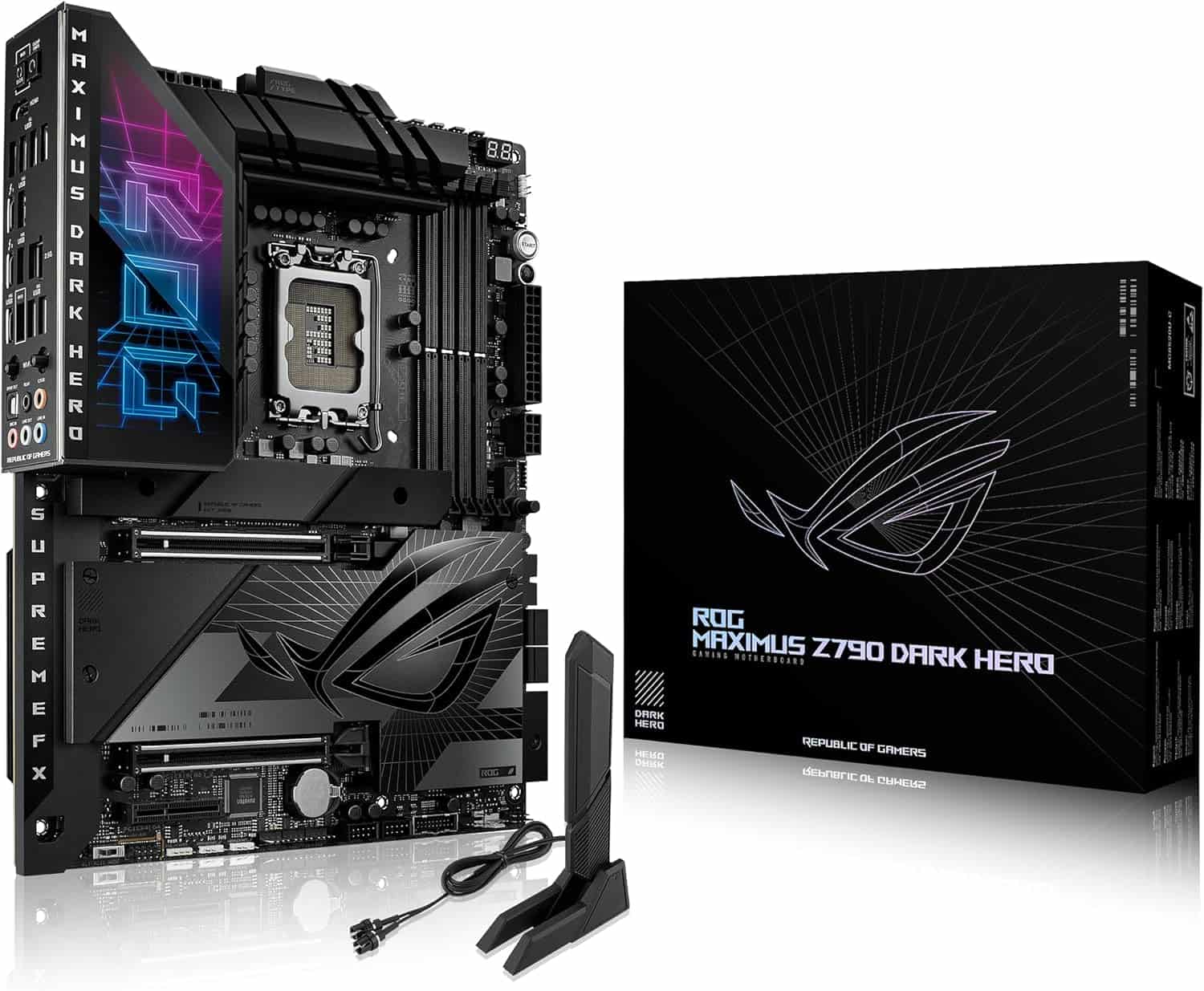
8 Best Z790 July 2026 Tested Best Z790 . 10 Best Z790 In 2026 133 Compared E1100 707 Main 0 . Best Z790 In 2026 Our Top Picks PC Guide Best AM4 Motherboard . Best Z790 In 2026 Our Top Picks PC Guide Best B850 Motherboard . Best Z790 In 2026 Our Top Picks PC Guide AC SL1500
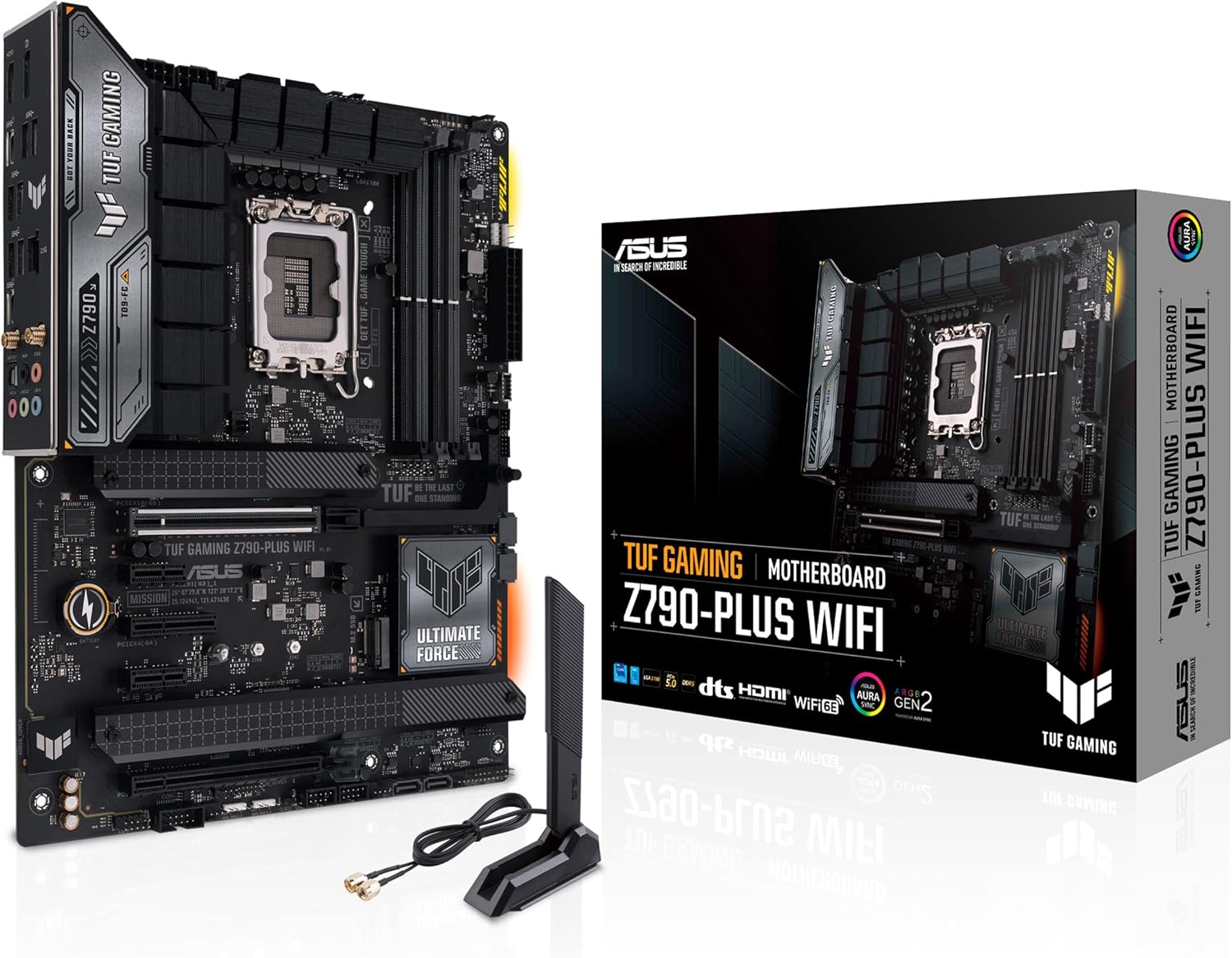
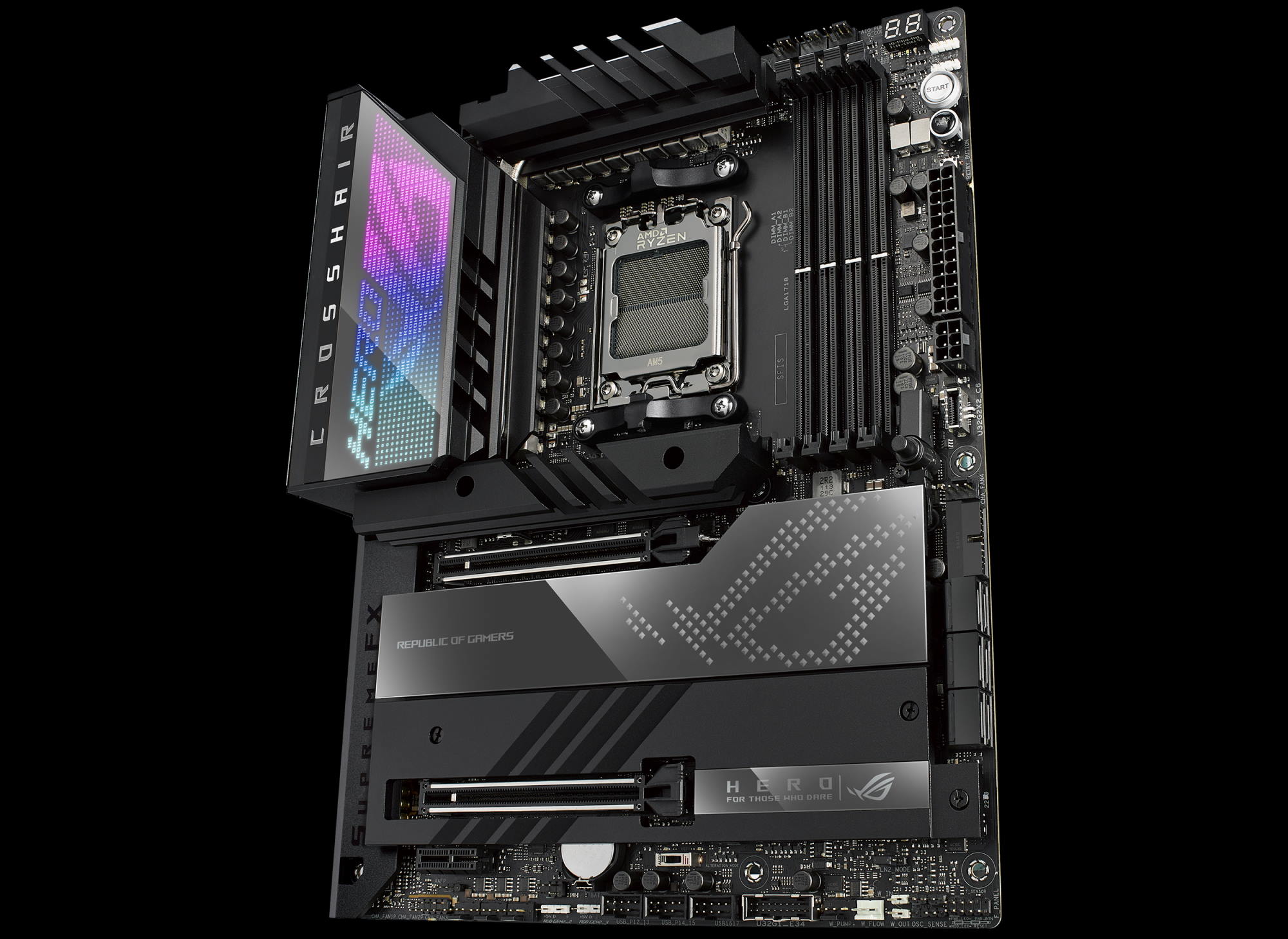
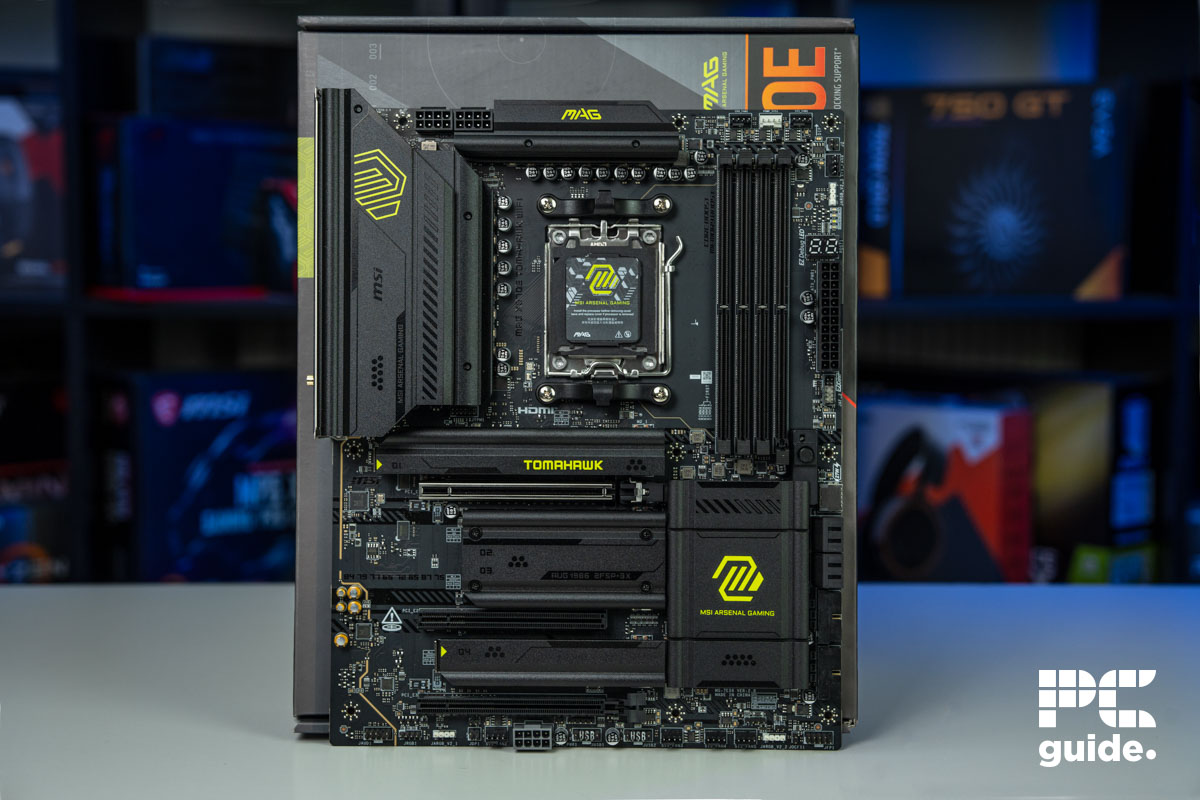
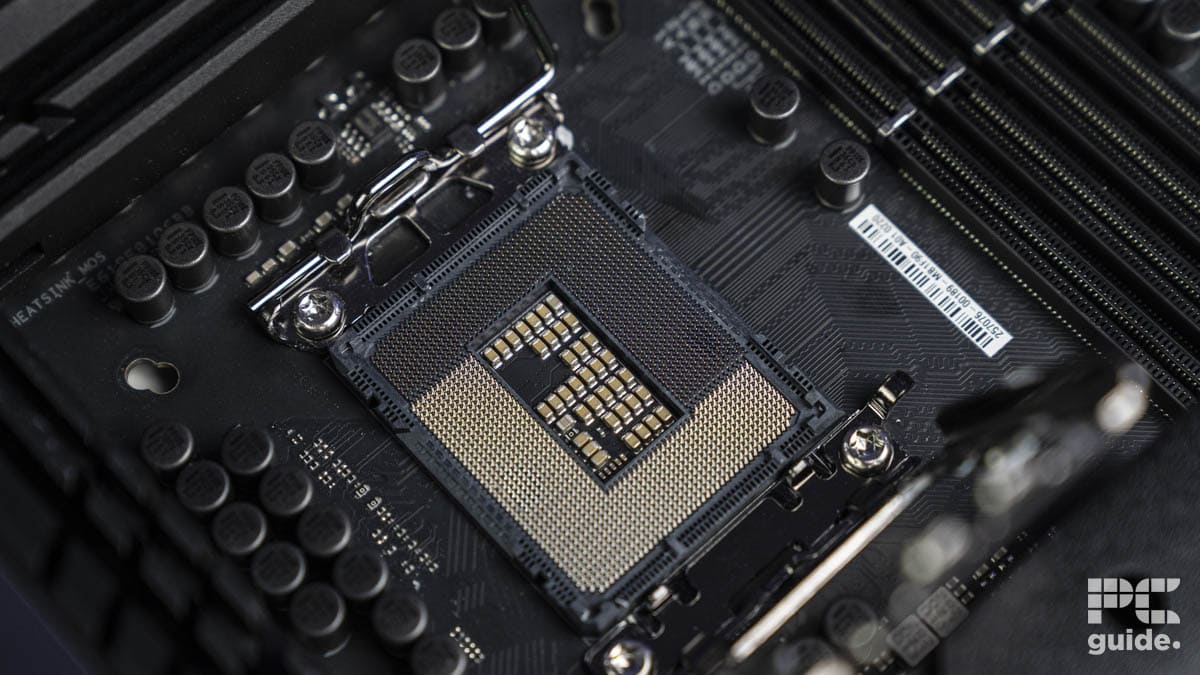

Best Z790 In 2026 Our Top Picks PC Guide AC SL1500 . Top Best Asus Rog Motherboard 2026 Asus ROG Strix Z790 I Gaming WiFi . Best Z790 In 2026 Our Top Picks PC Guide MSI MAG X870E Tomahawk WiFi Mobo Image By PC Guide . Best Z790 In 2026 Our Top Picks PC Guide Z790 Dark Hero 27 . 10 Best Z790 Of 2026 Performance And Features You Can T SL500
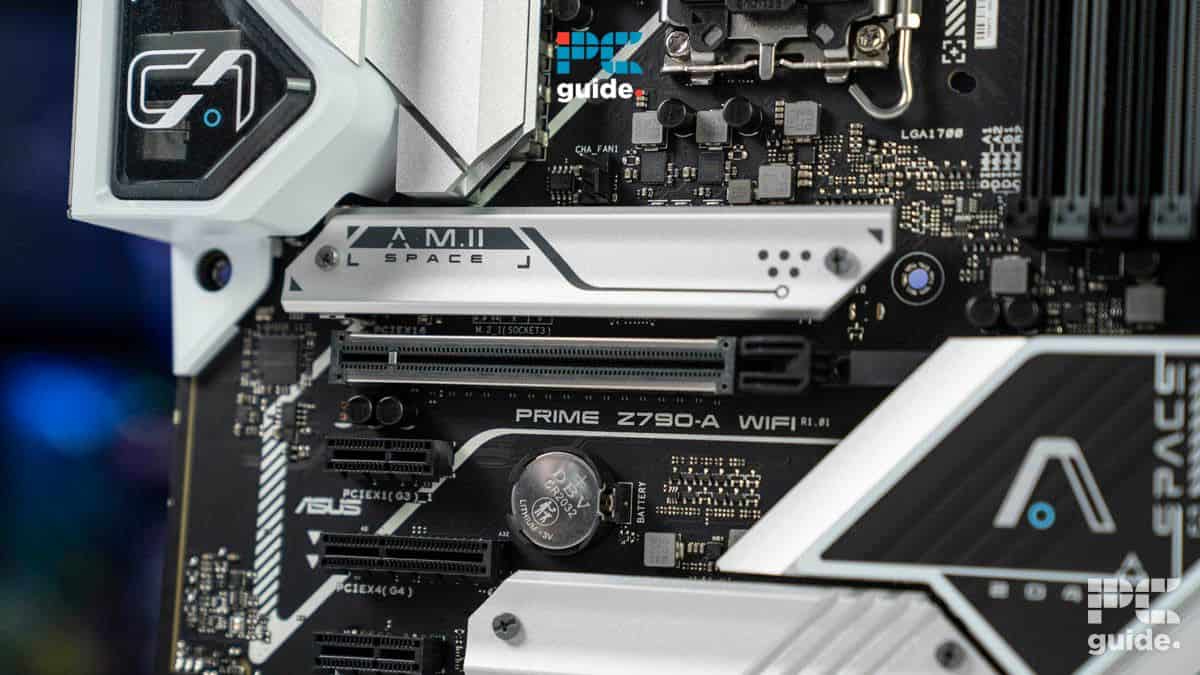
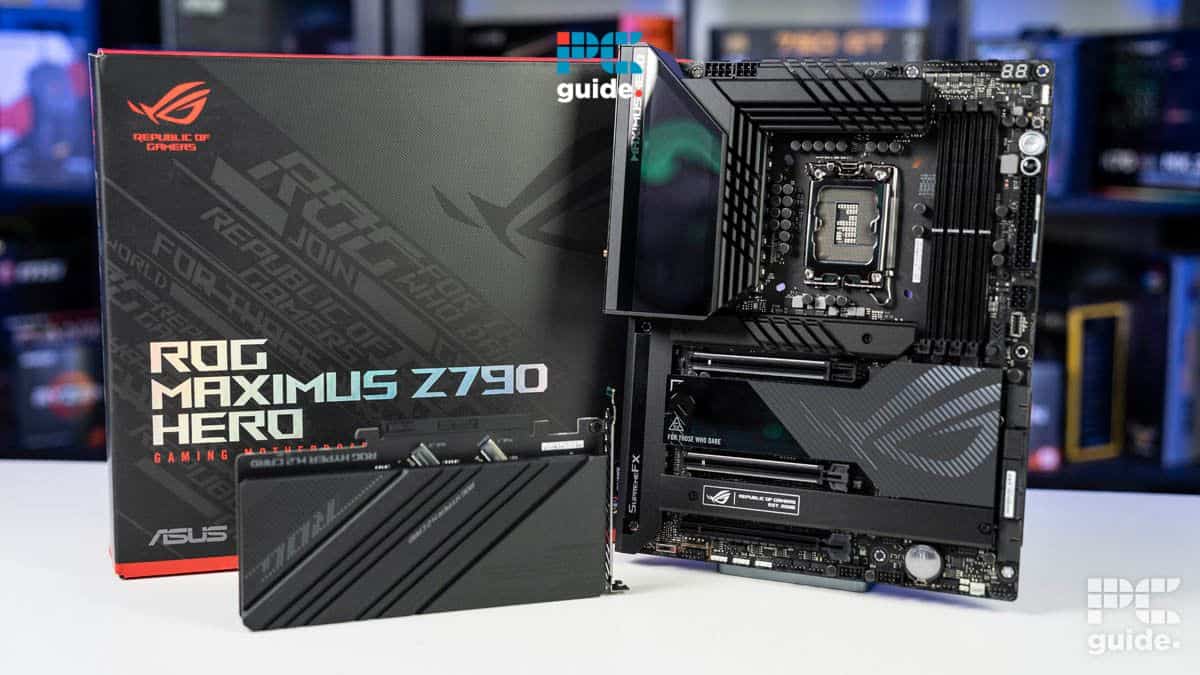


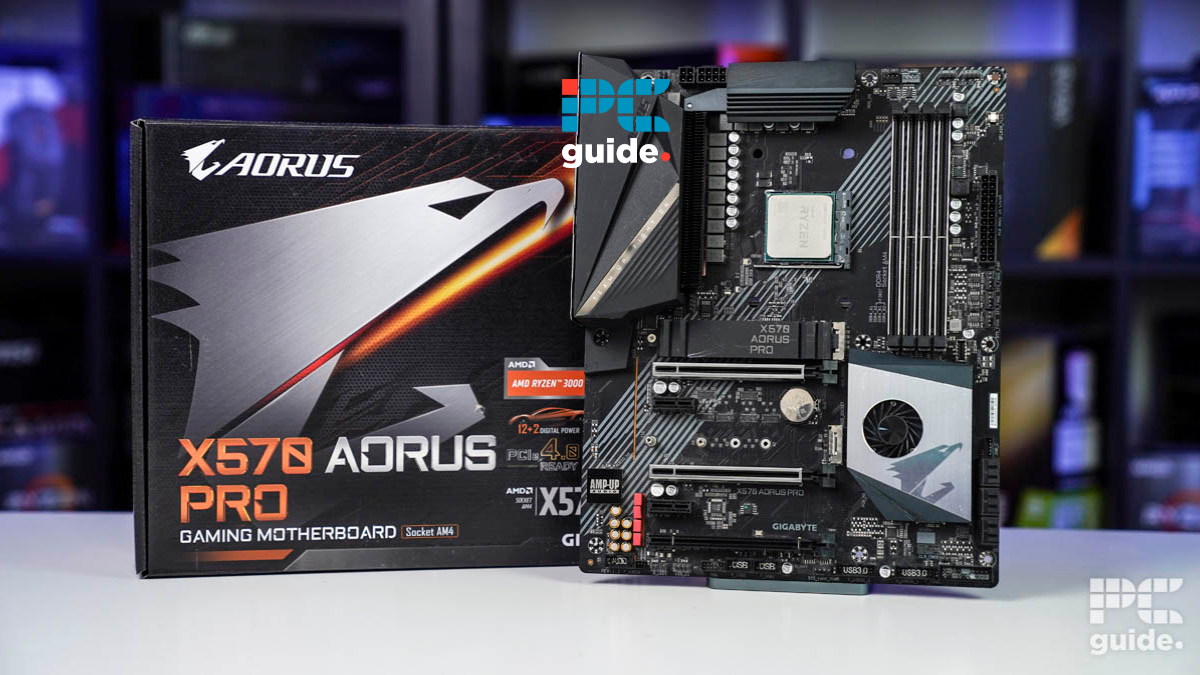
Best Z790 In 2026 Our Top Picks PC Guide Best Z790 . Best Z790 In 2026 Our Top Picks PC Guide Best For Core I5 13600K . Best Atx Z790 Motherboard Updated On April 2026 SL500 . 10 Best Z790 Of 2026 Performance And Features You Can T SL500 . Best Z790 In 2026 Our Top Picks PC Guide Best X570


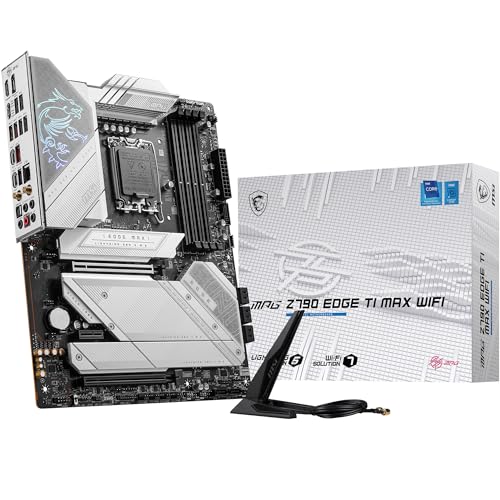
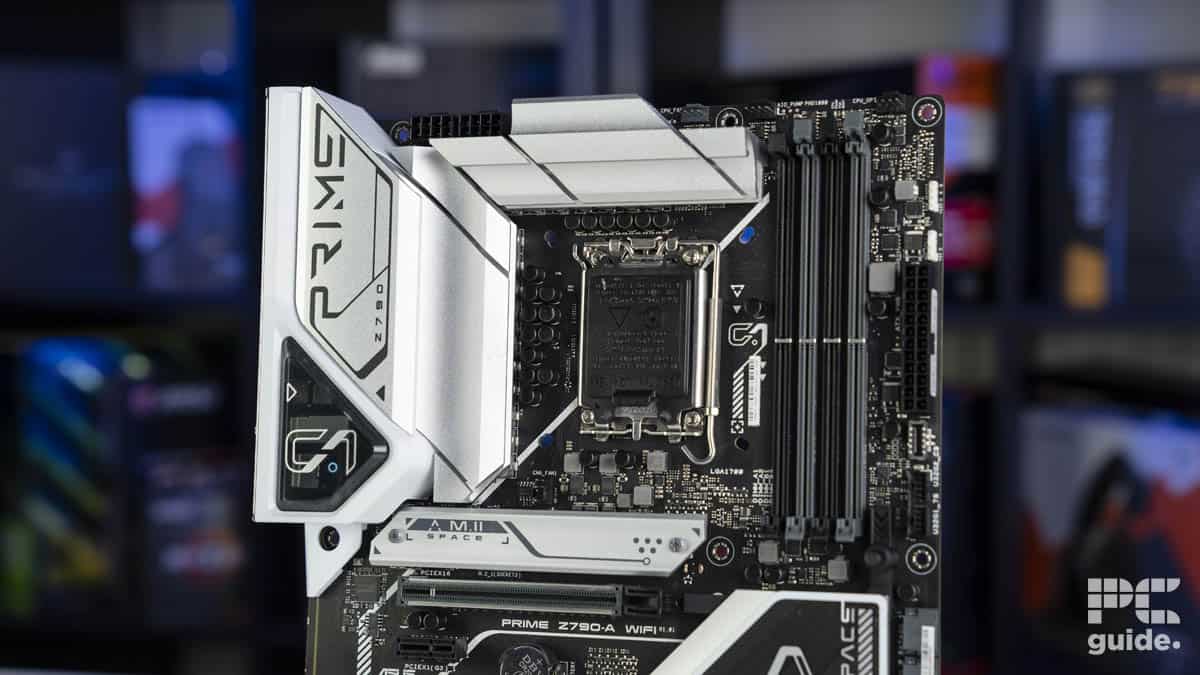

Best Atx Z790 Motherboard Updated On April 2026 SL500 . 8 Best Z790 July 2026 Tested 410 LGoy0dL. SL160 . 10 Best Z790 In 2026 133 Compared E1100 494 Main 0 . Best Z790 In 2026 Our Top Picks PC Guide Best Motherboard For Core I9 14900K - Our Top Picks For High End Gaming And . 8 Best Z790 July 2026 Tested SL160
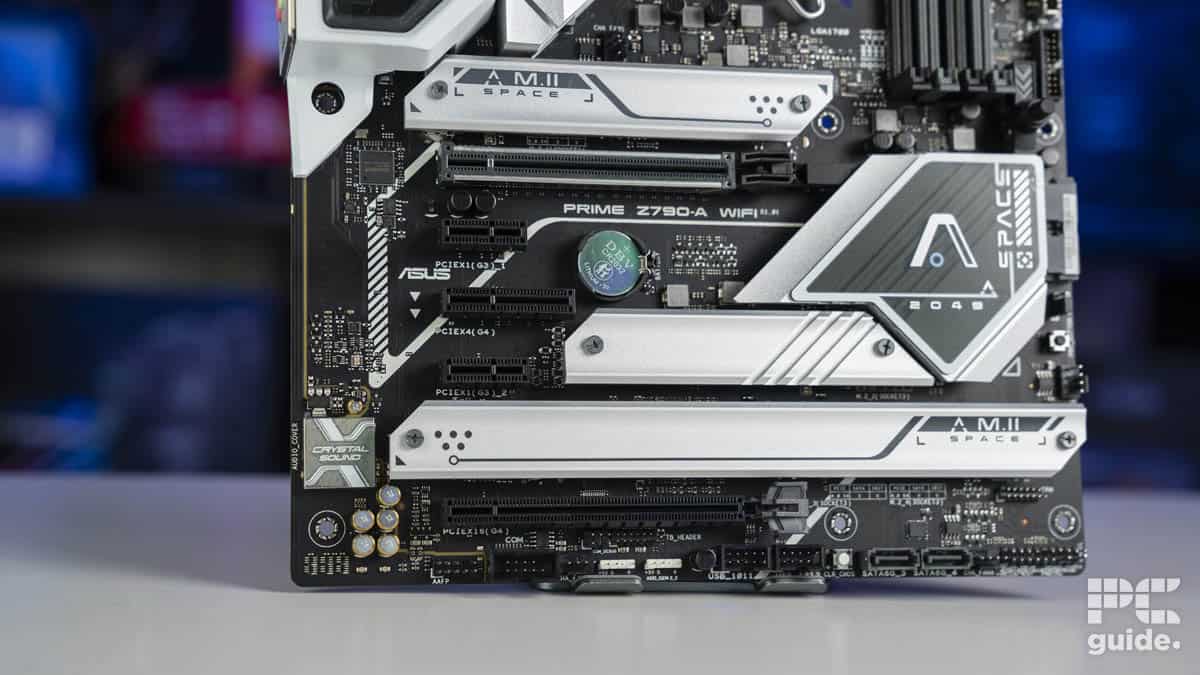
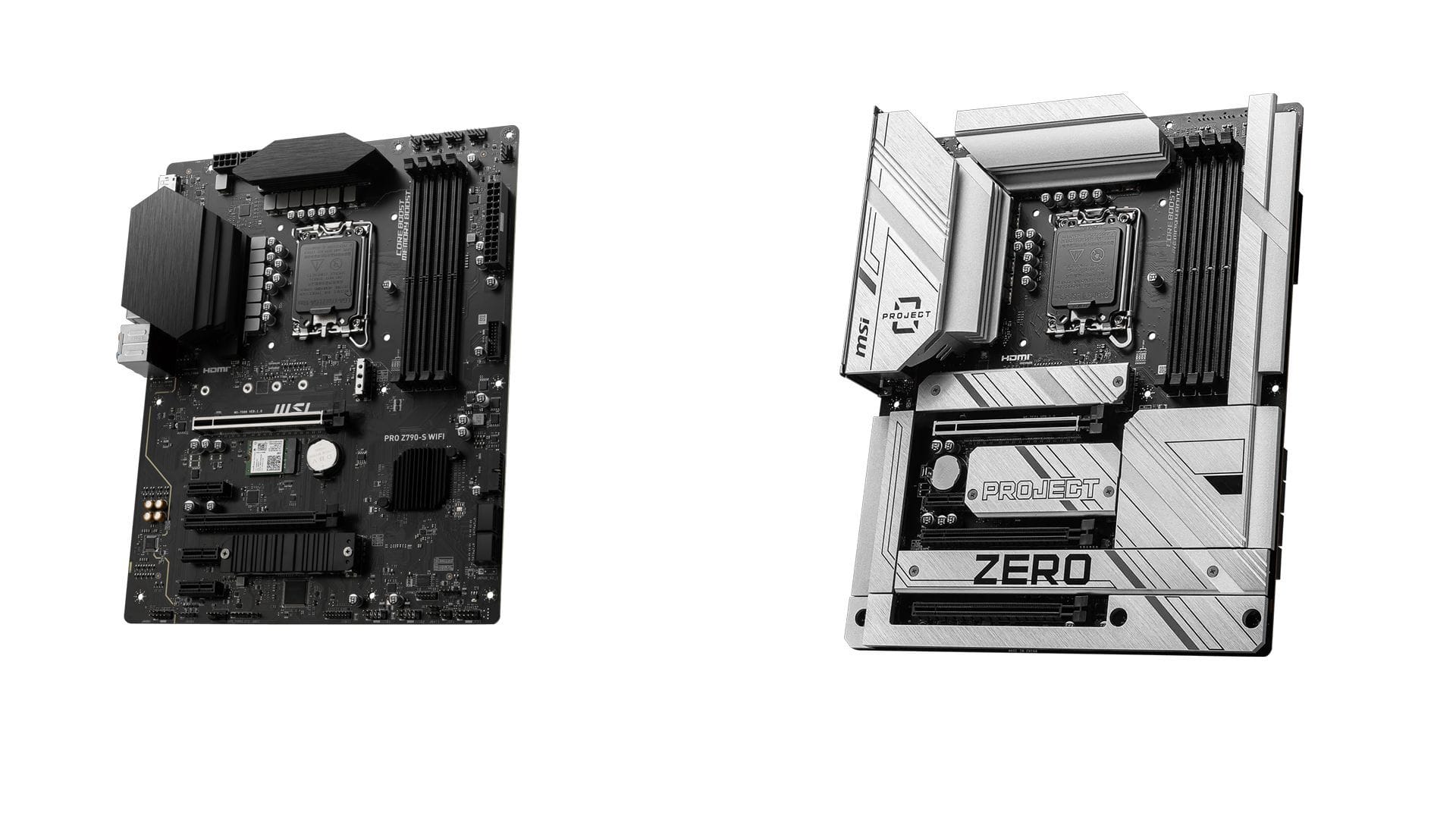
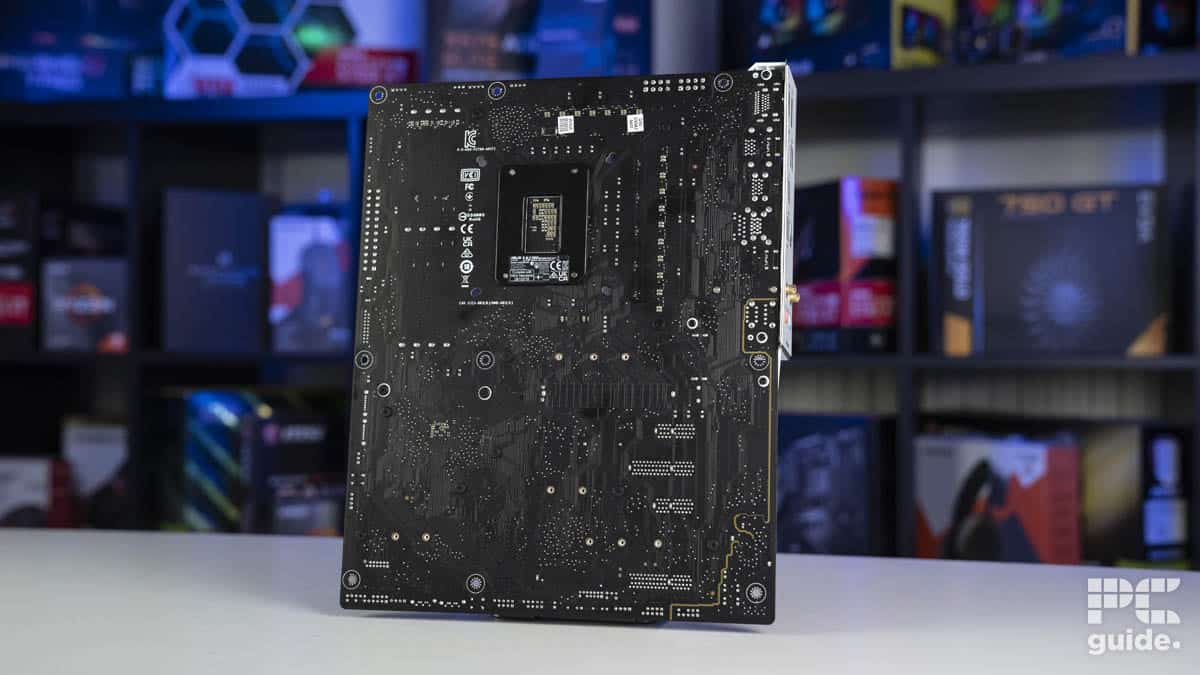

Best Z790 In 2026 Our Top Picks PC Guide Prime Z790 15 . Best Z790 Motherboard 2026 Our Top 5 High Performance Picks Best Z790 Motherboard . Z790 Motherboard 5 Best Intel Z790 C4259 1920 . Best Z790 In 2026 Our Top Picks PC Guide Prime Z790 24 . Best Z790 In 2026 AC SL260



Best Z790 In 2026 81CpgF P4L. AC SL240 . Best Z790 In 2026 AC SL260 . Best Z790 In 2026 AC SL240 . Best Z790 In 2026 81LHT Z5 EL. AC SL260 . Best Z790 In 2026 AC SL240
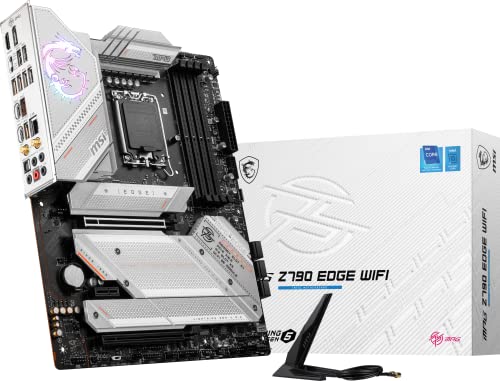
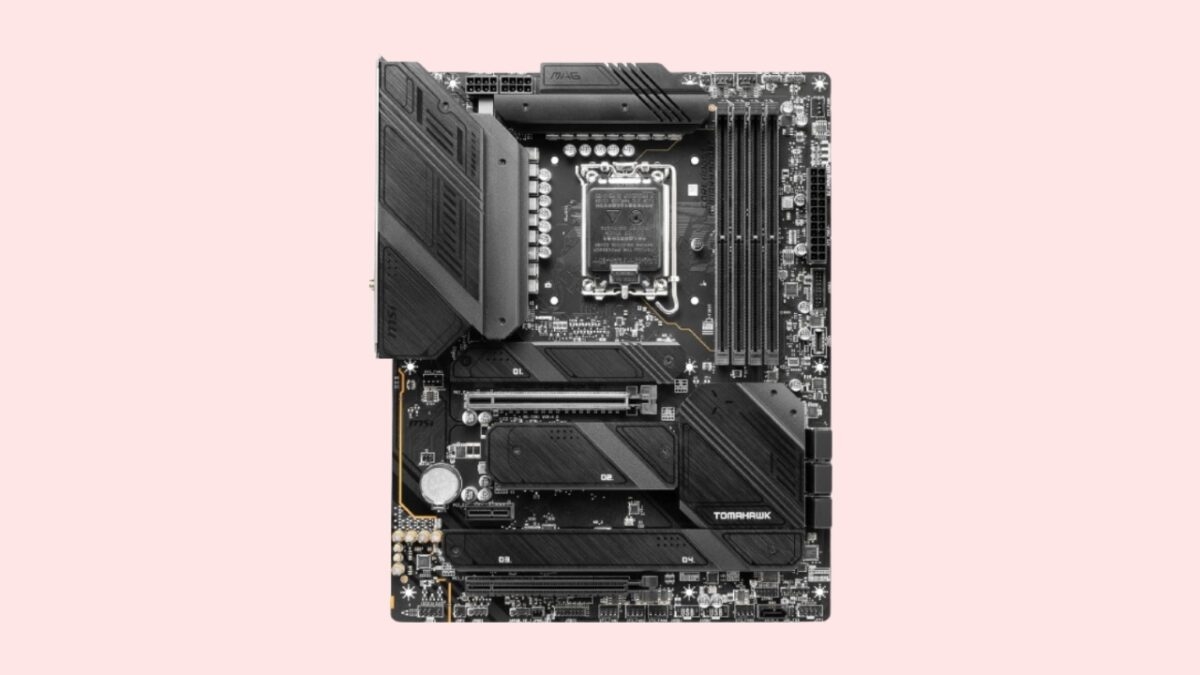
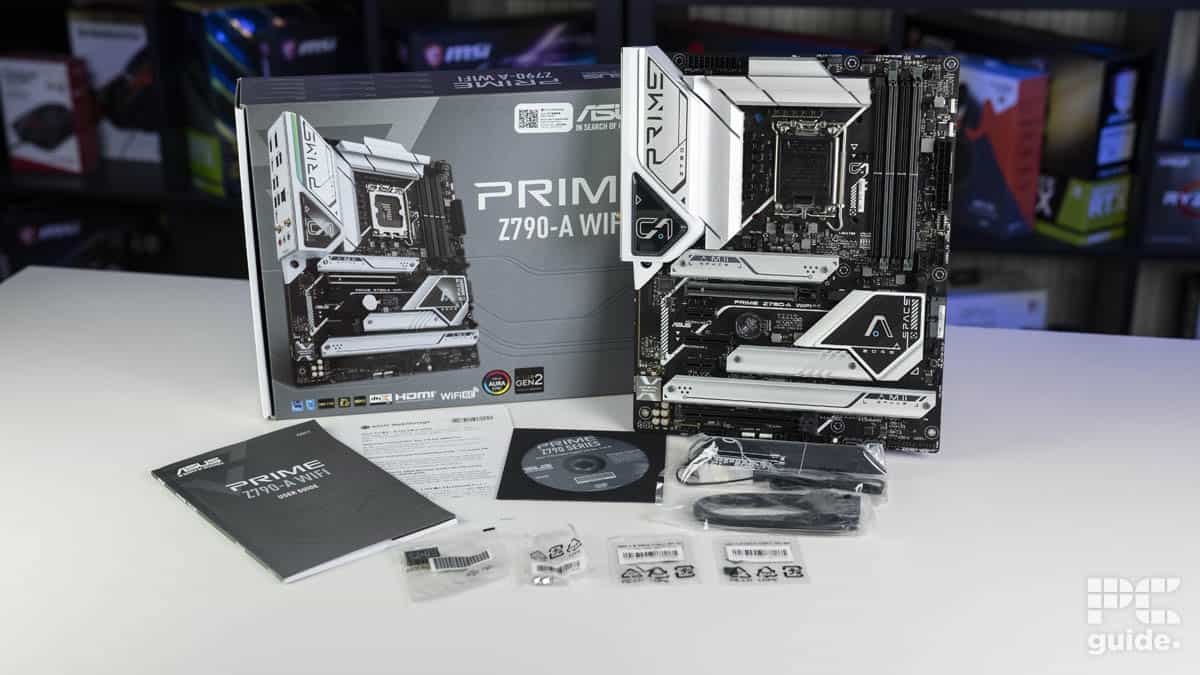
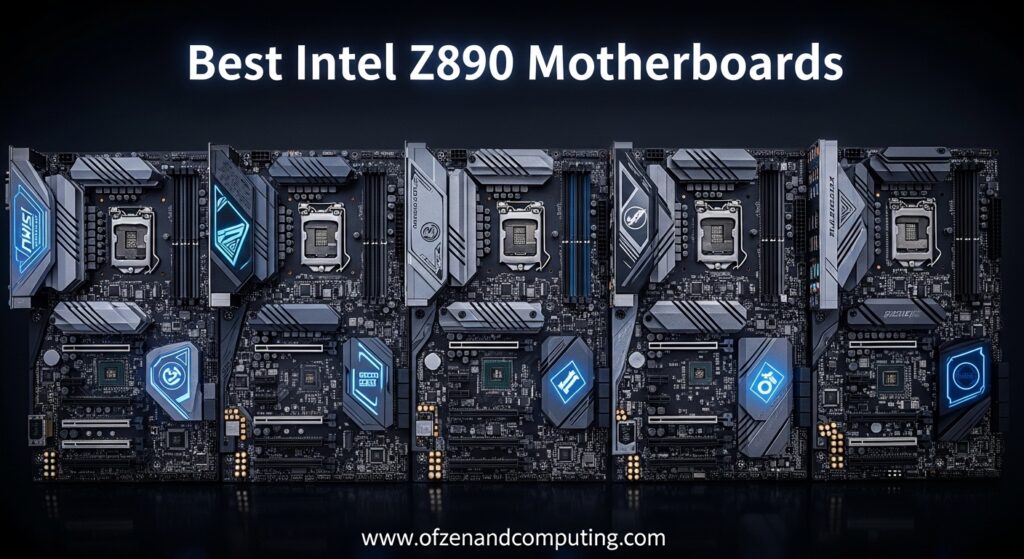
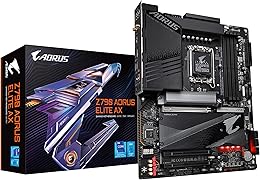
10 Best Z790 In 2026 133 Compared E1100 576 Main 0 . Best Z790 Our Top Picks TechLatest Msi Mag Tomahawk Z790 Wifi 1200x675 . Best Z790 In 2026 Our Top Picks PC Guide Prime Z790 5 . 12 Best Intel Z890 June 2026 Tested Compared Best Intel Z890 1024x559 . Best Z790 In 2026 AC SL260